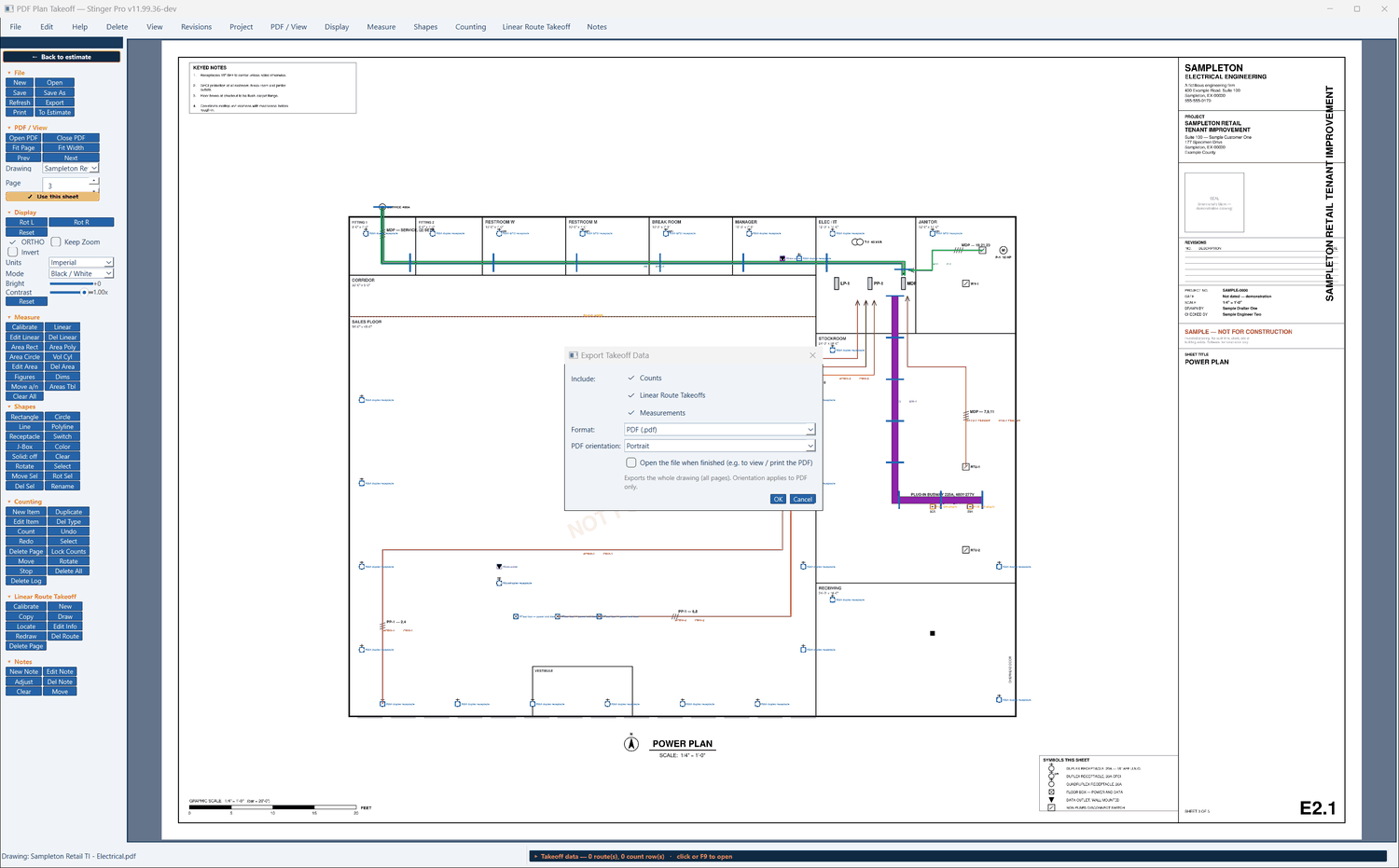
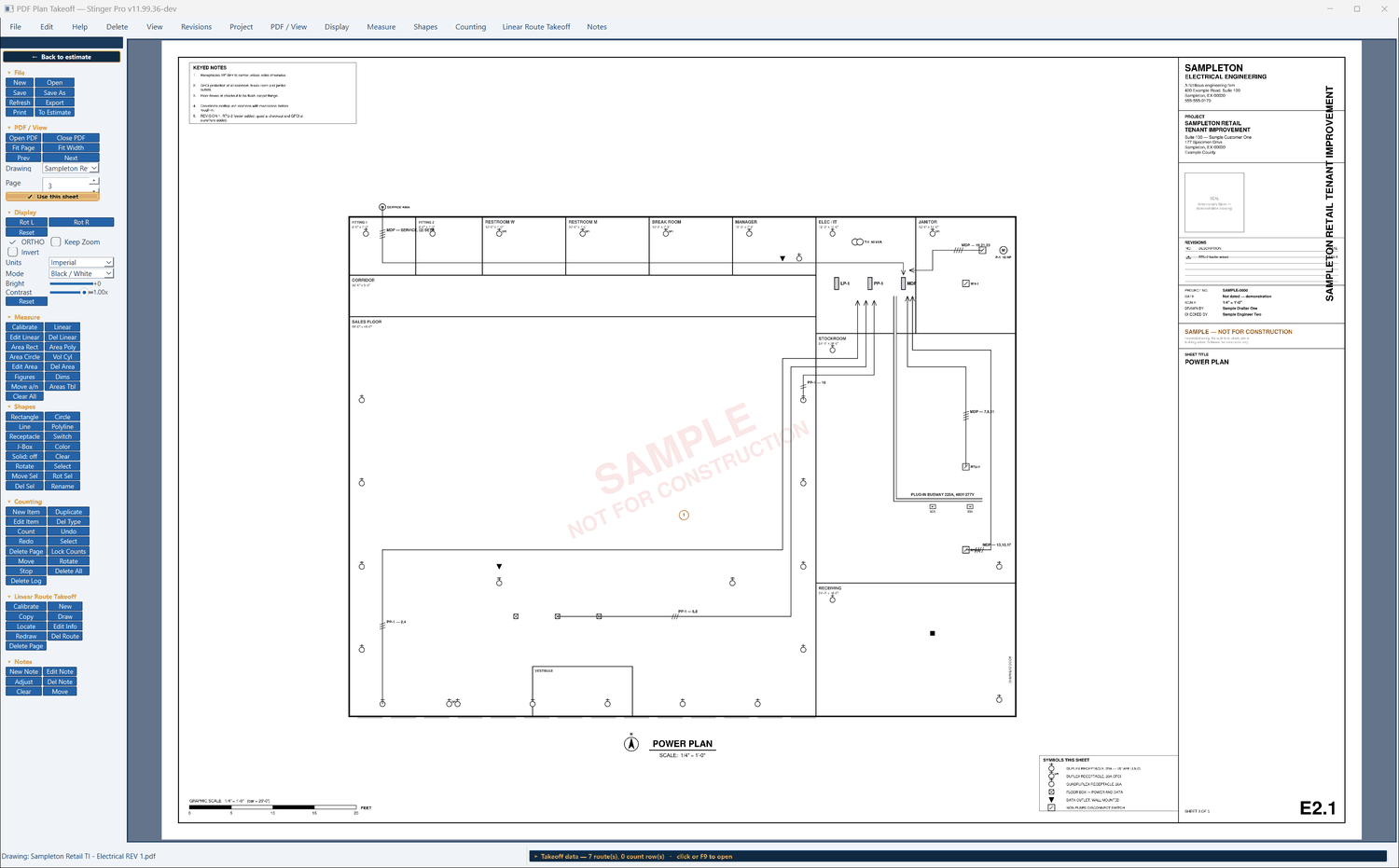
Runs, counts, areas and volumes on the plan PDF, each tied to its entry in the estimate. Shown here on the plan set filed with the demonstration clinic fit-out; its title block reads Sampleton Retail Tenant Improvement.
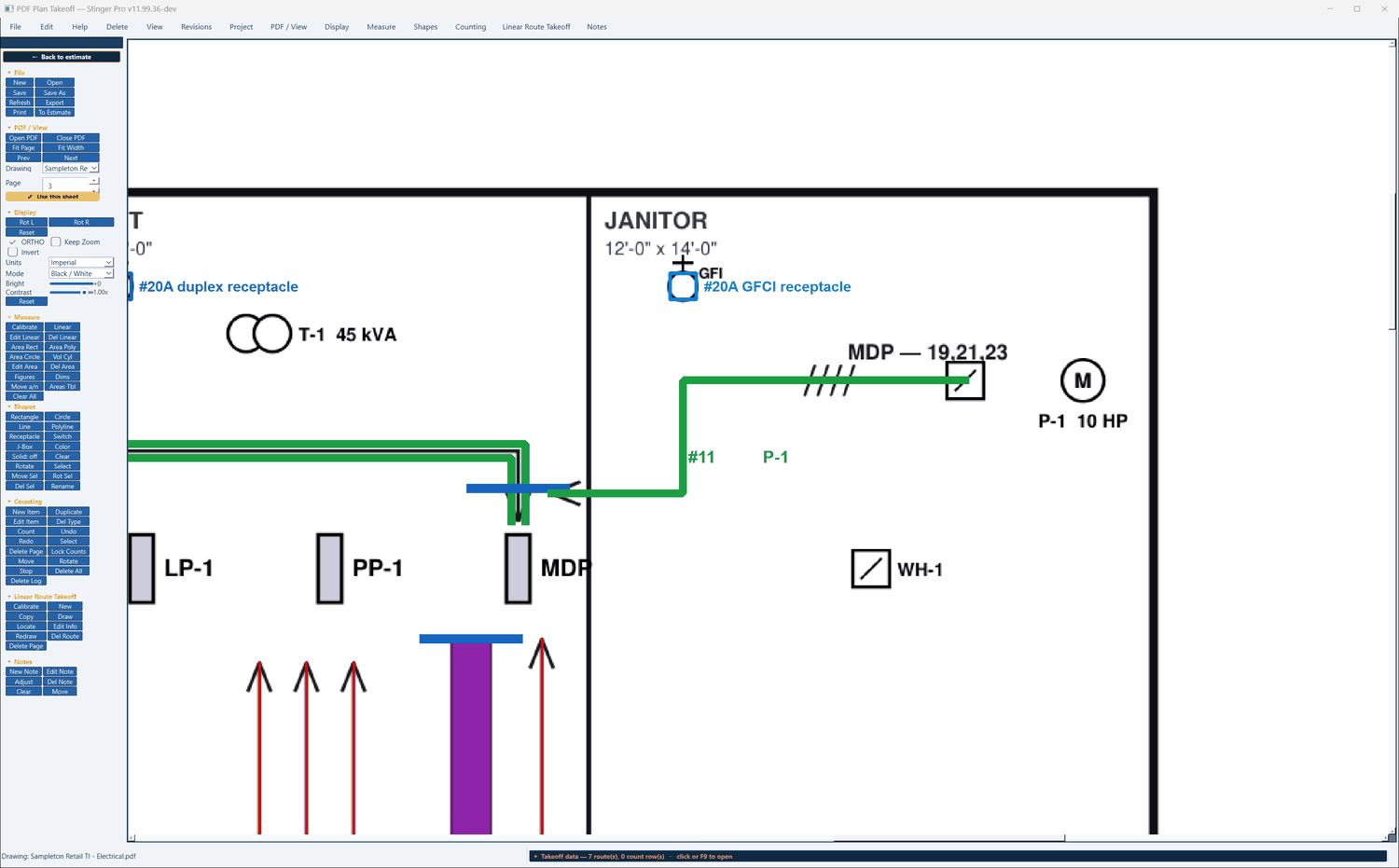
Each sheet is calibrated once: two clicks a known distance apart and the real length. Until it is, measurements read in pixels and say so. Runs follow the building lines.
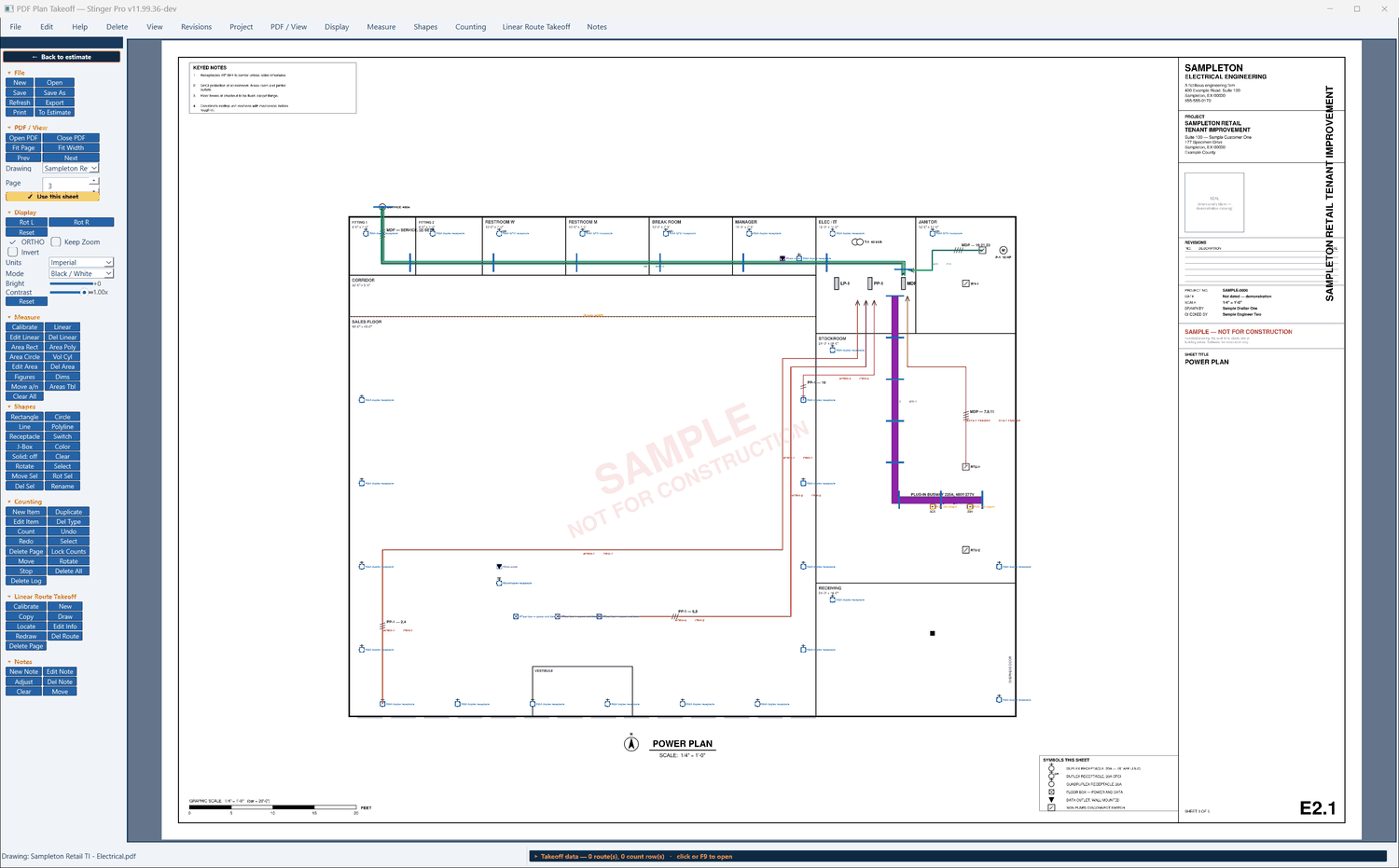
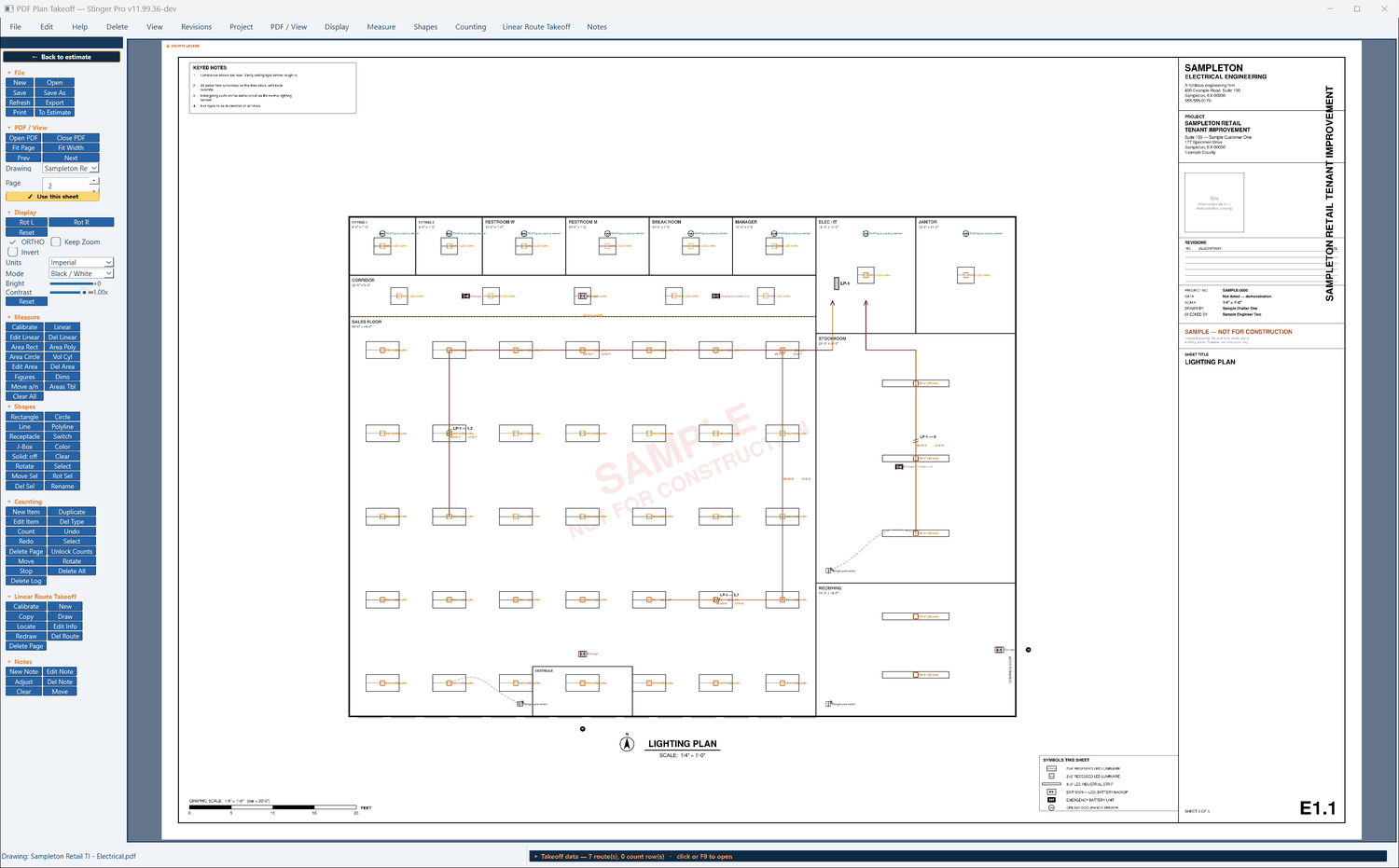
An estimate entry opens the takeoff on its own run. Read Drawn Geometry brings back the length, the elbows and the parallel conduits, and those fields in the entry stay locked to the plan: to change them, redraw the run.
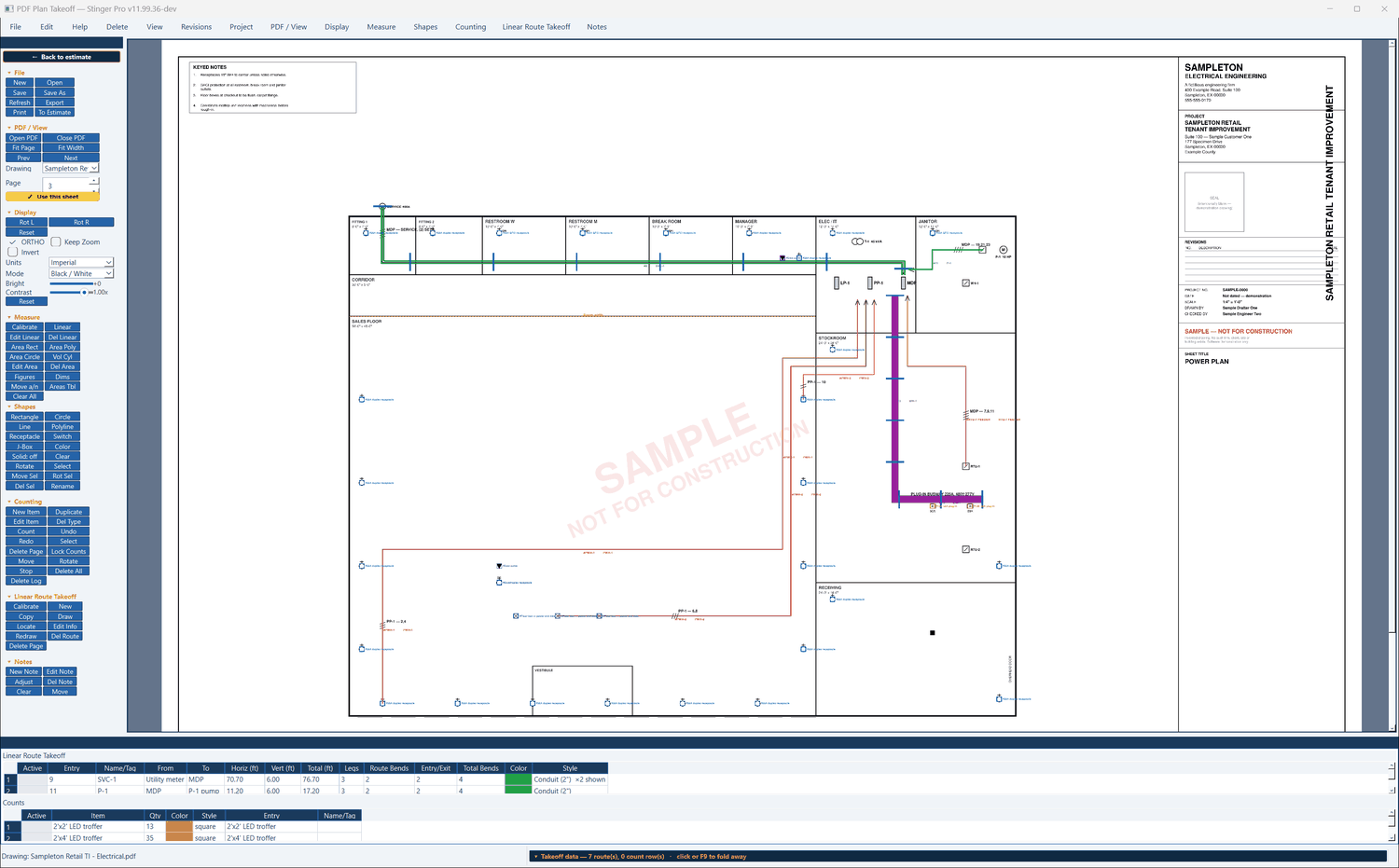
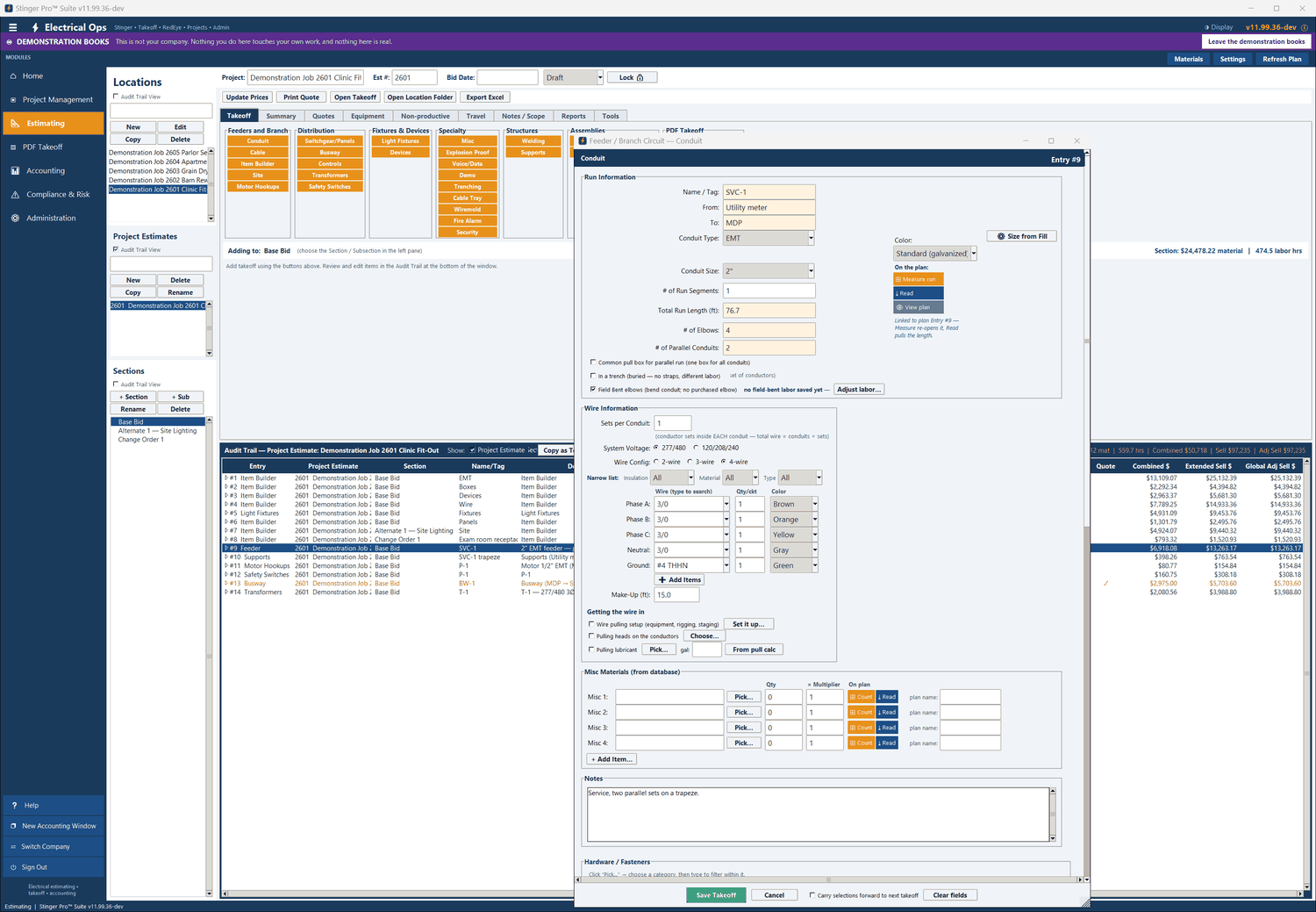
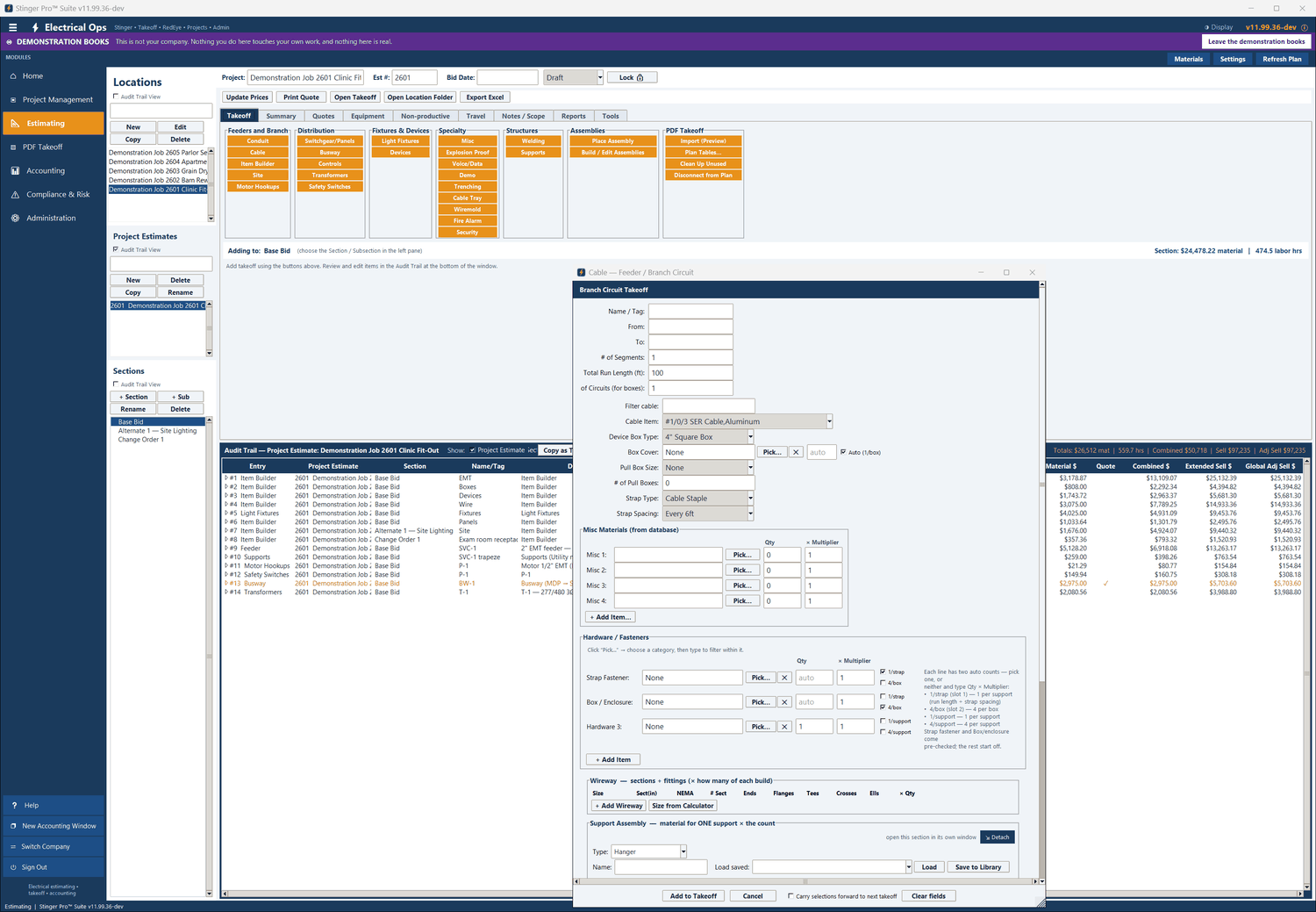
A run can show several conduits side by side; Read Drawn Geometry carries the number into the entry’s parallel conduits, and the conduit, fittings, straps, elbows and wire are multiplied by it. The route can also carry a trapeze, drawn at its width and rung spacing.
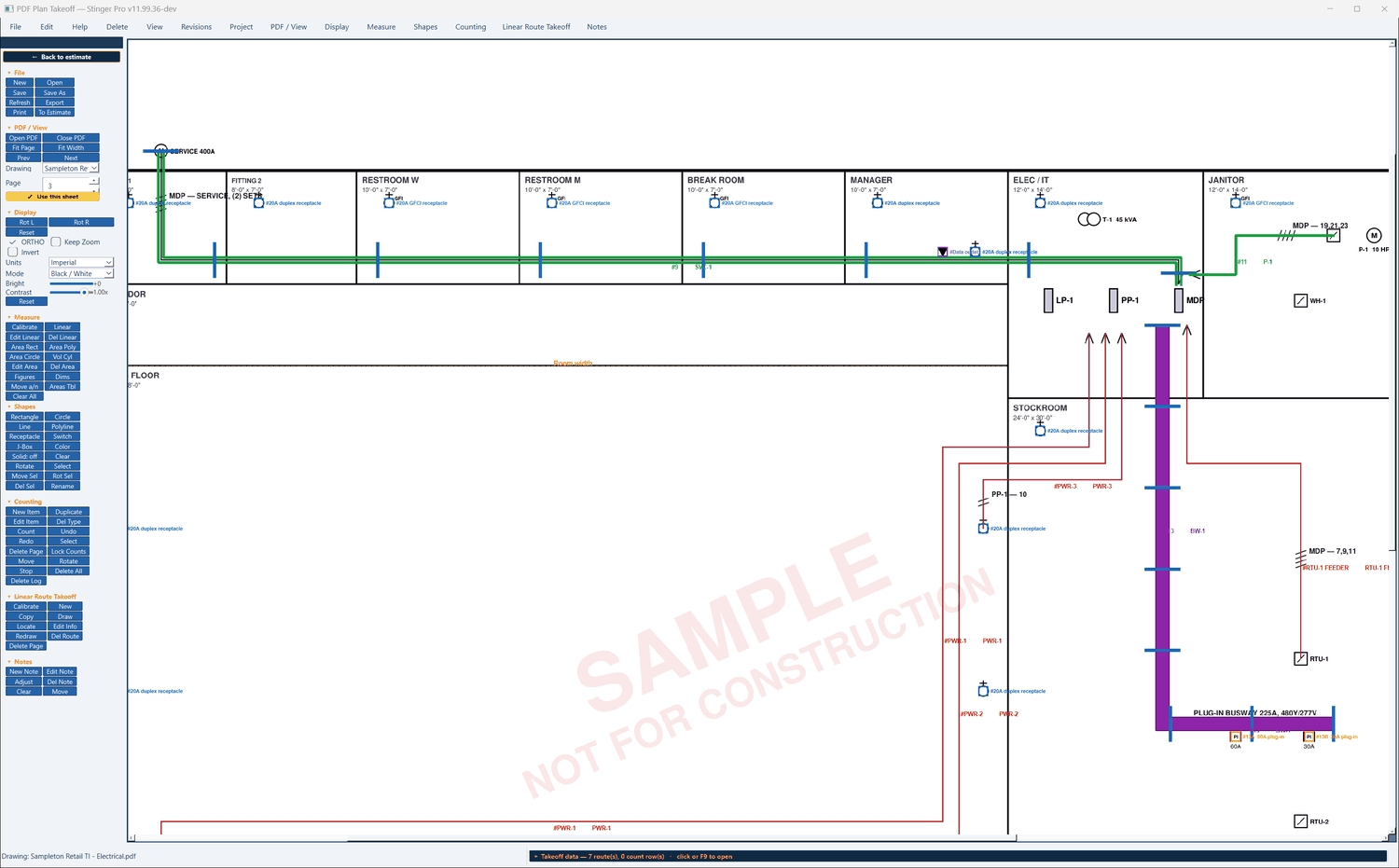
The trapeze is drawn on the plan; it is counted in the Supports module, which takes a length and a spacing and multiplies one saved support assembly by the count.
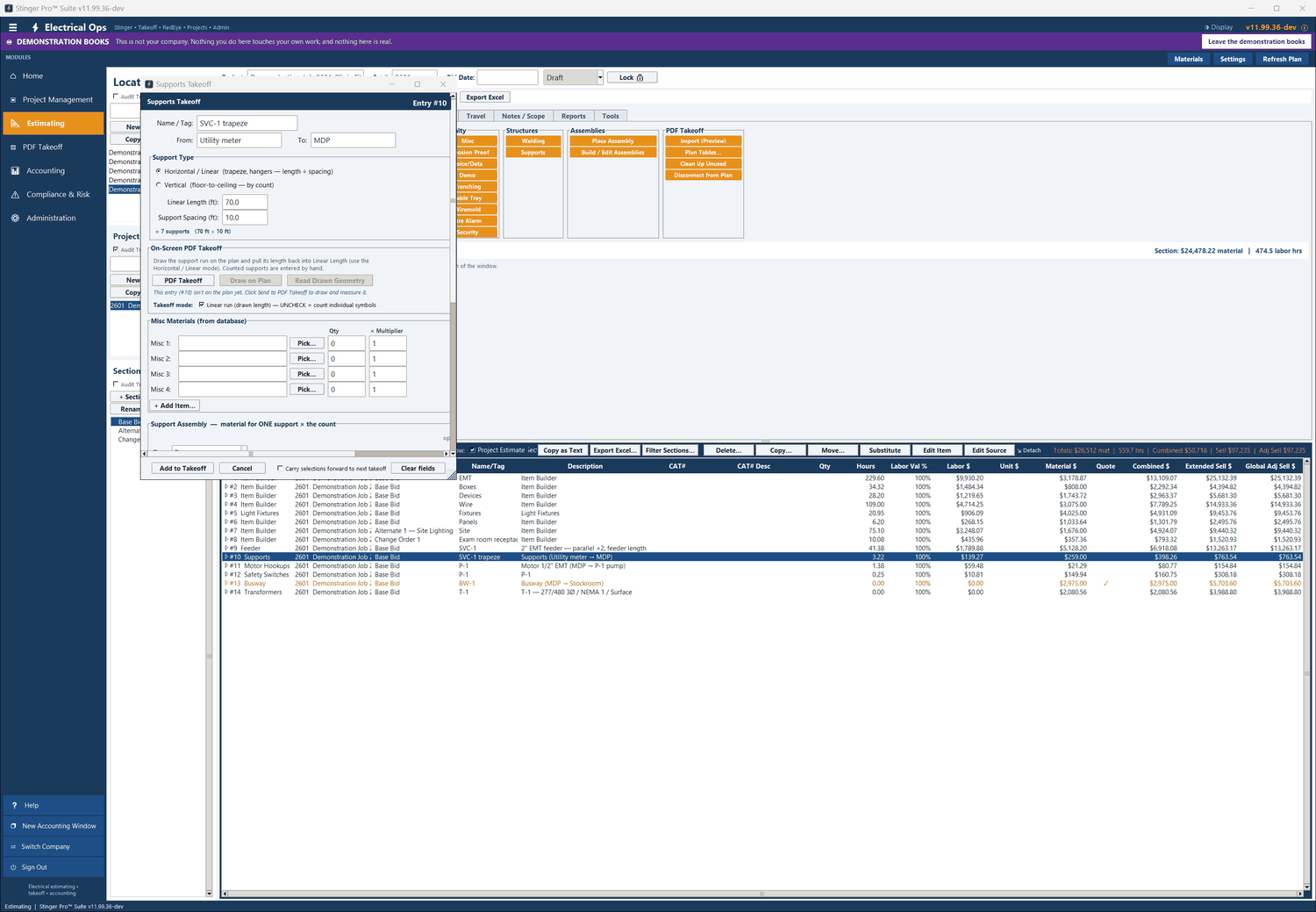
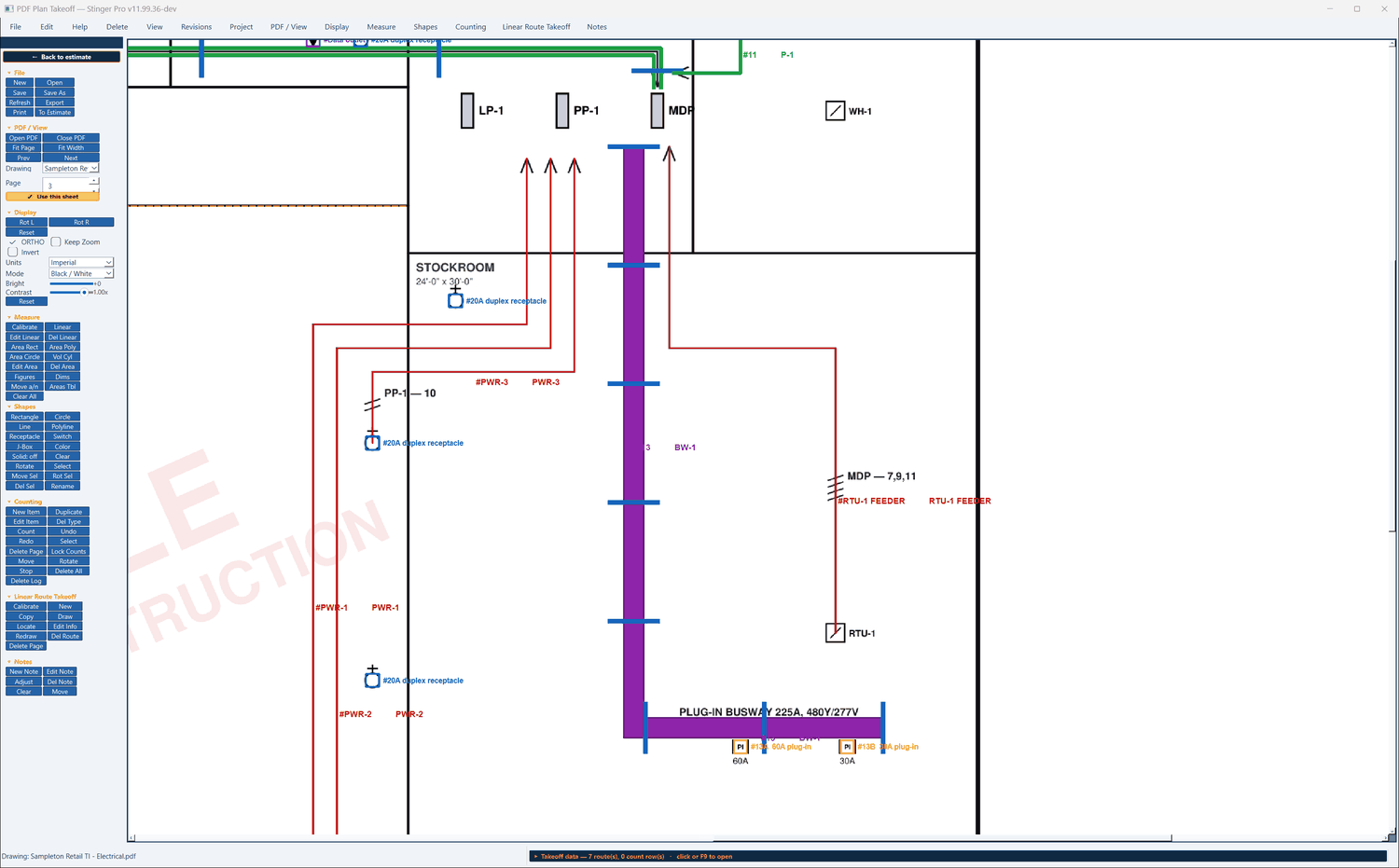
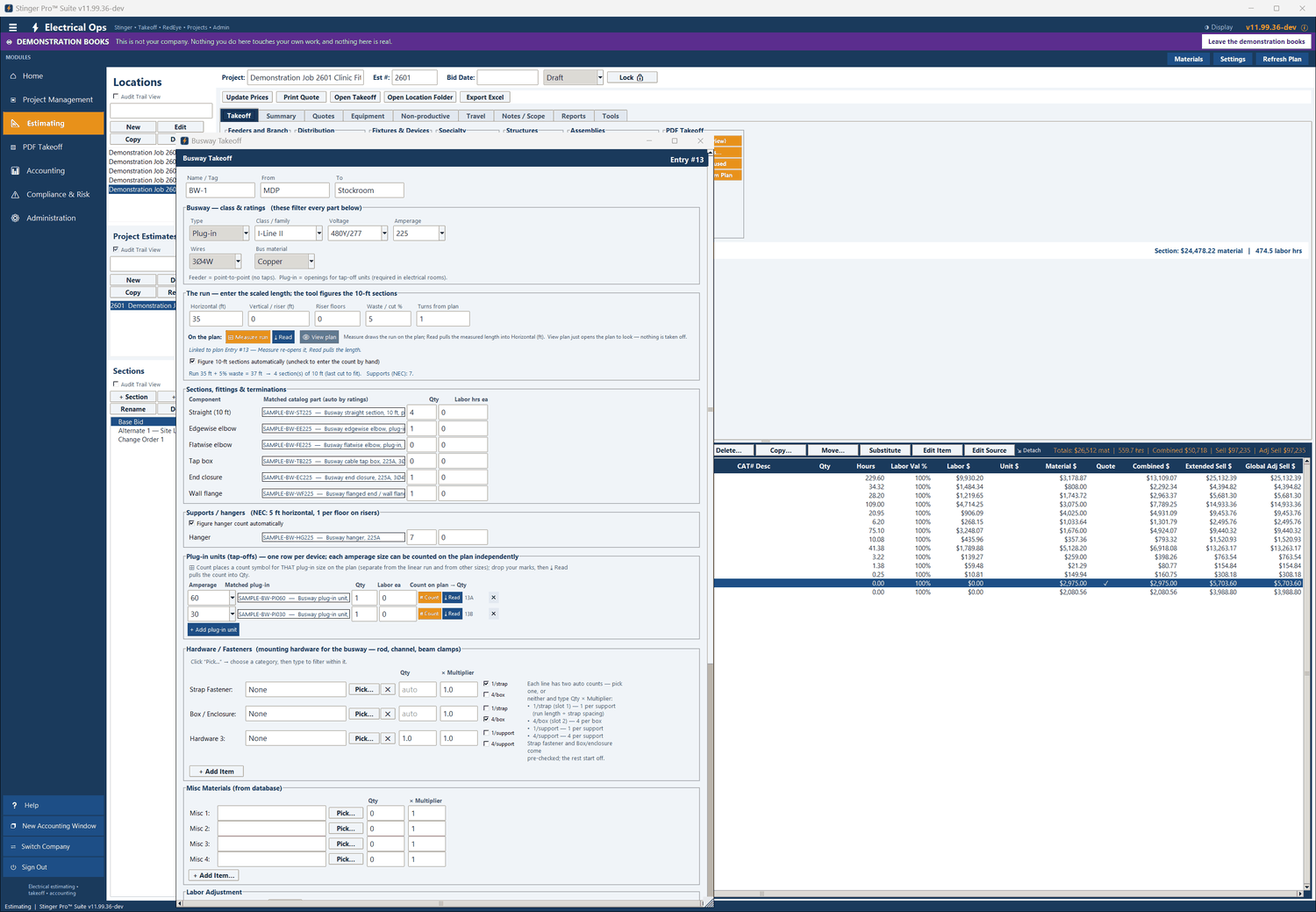
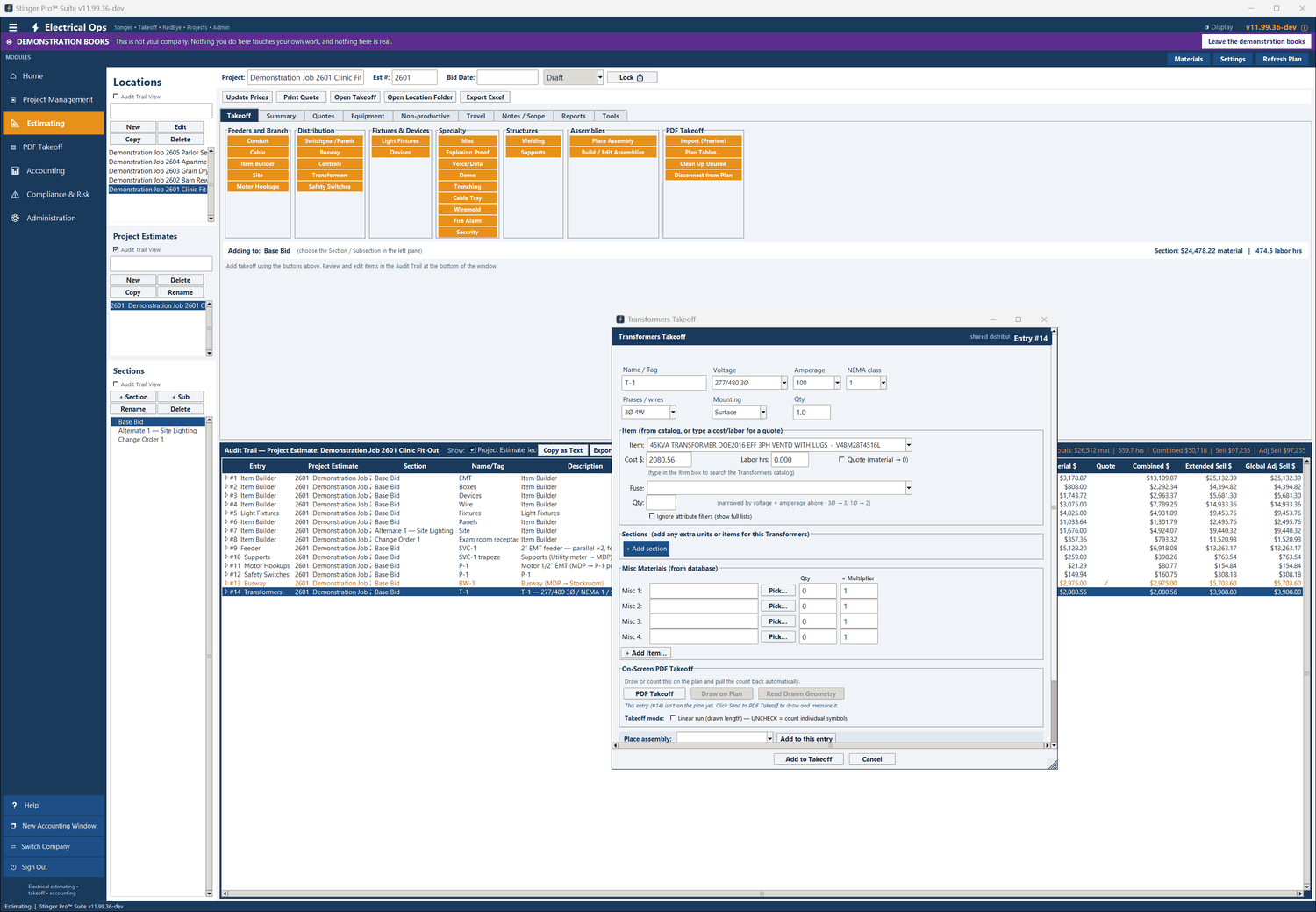
The Busway module takes the class, voltage, amperage, wires and bus material, and every part below is matched to them. The run drawn on the plan fills the horizontal length; the sections, hangers and plug-in units follow.
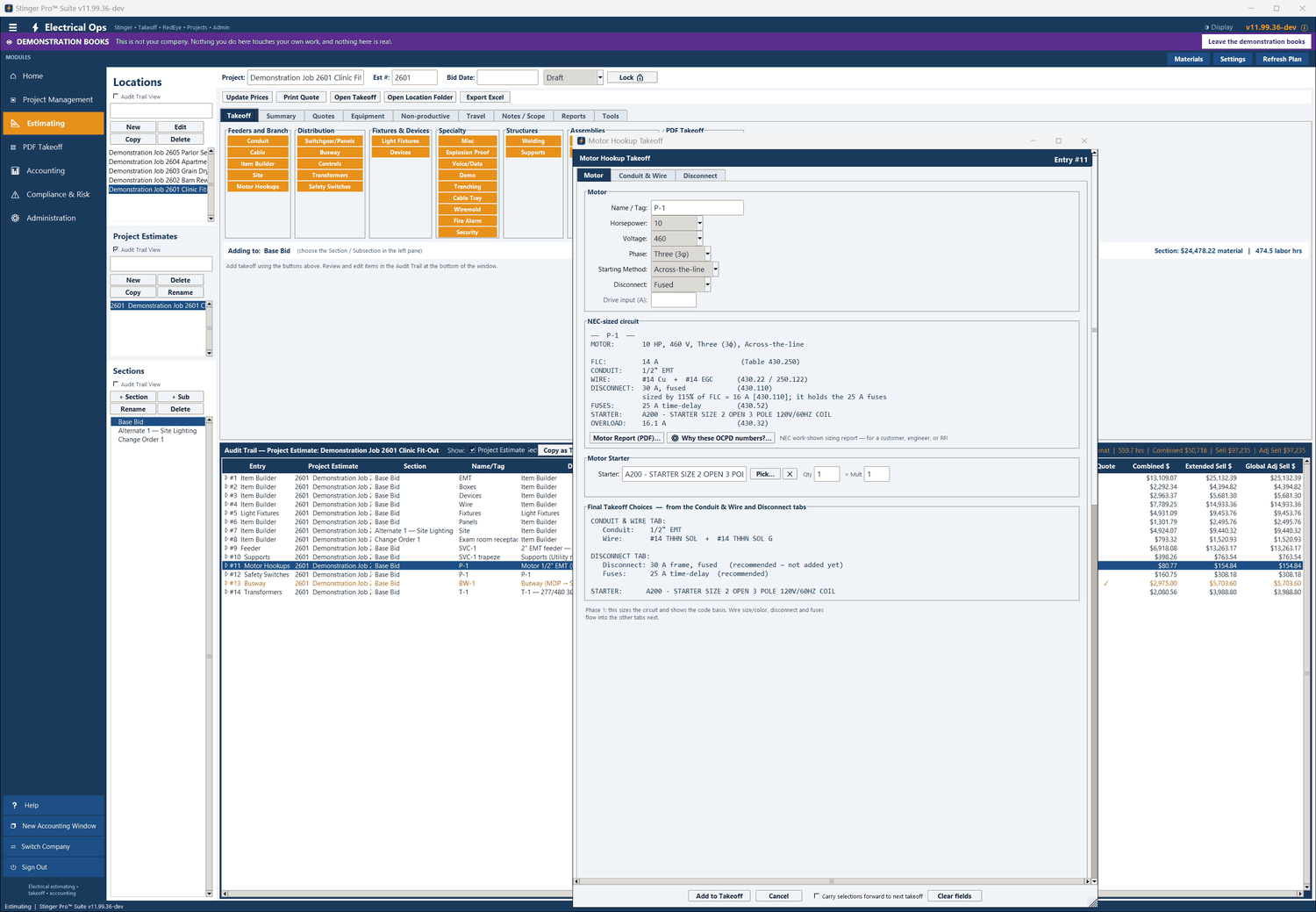
Motor Hookups sizes the branch circuit inside the dialog from the horsepower, voltage, phase and starting method, and fills the run. ➕ Add or Change Disconnect opens the Safety Switches takeoff already sized from the motor, and saves it as its own entry under the motor’s Name / Tag.
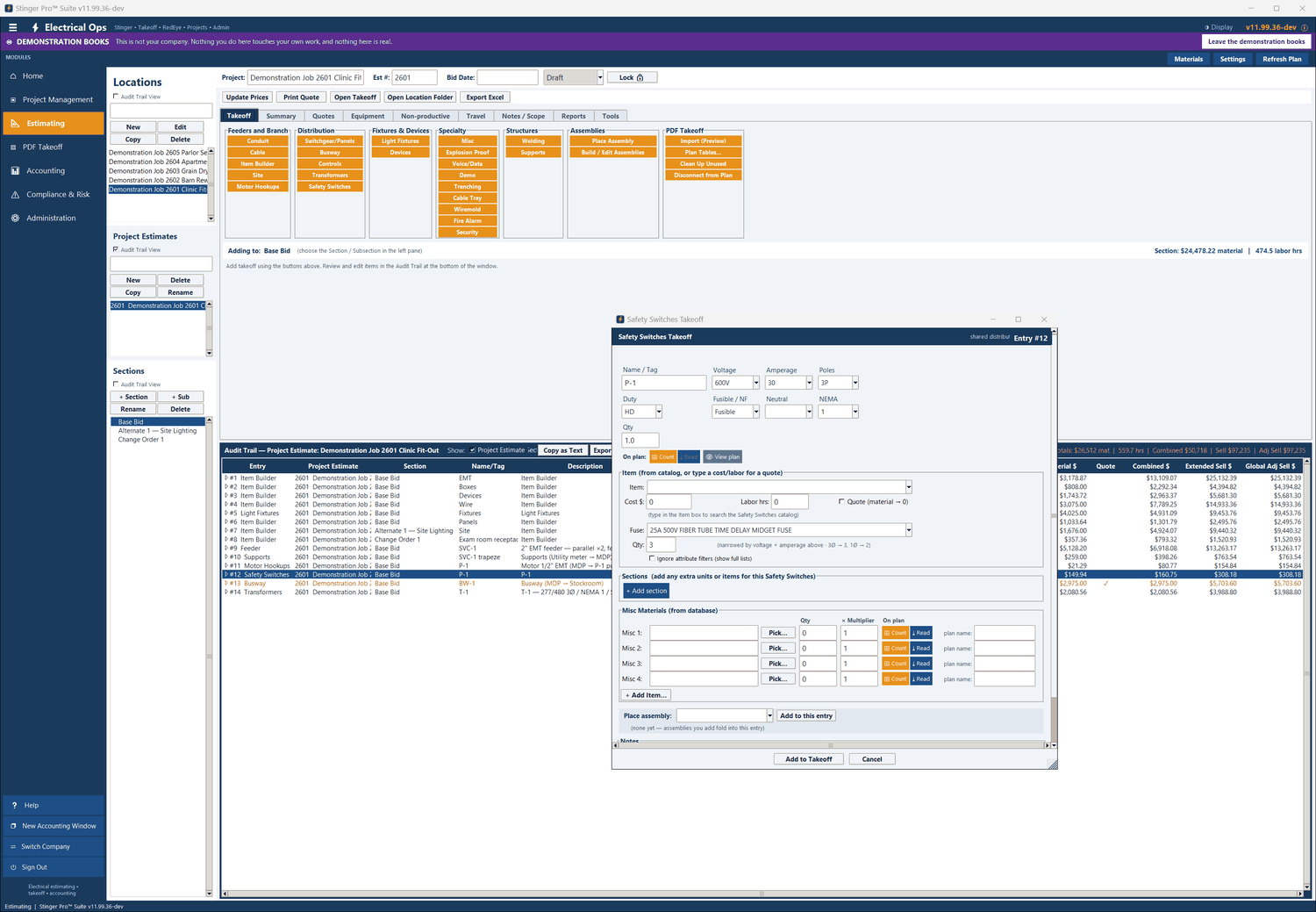
The two entries are linked by the Name / Tag. Re-sizing the motor does not change the switch; press ➕ Add or Change Disconnect again and it opens the existing switch for that tag.
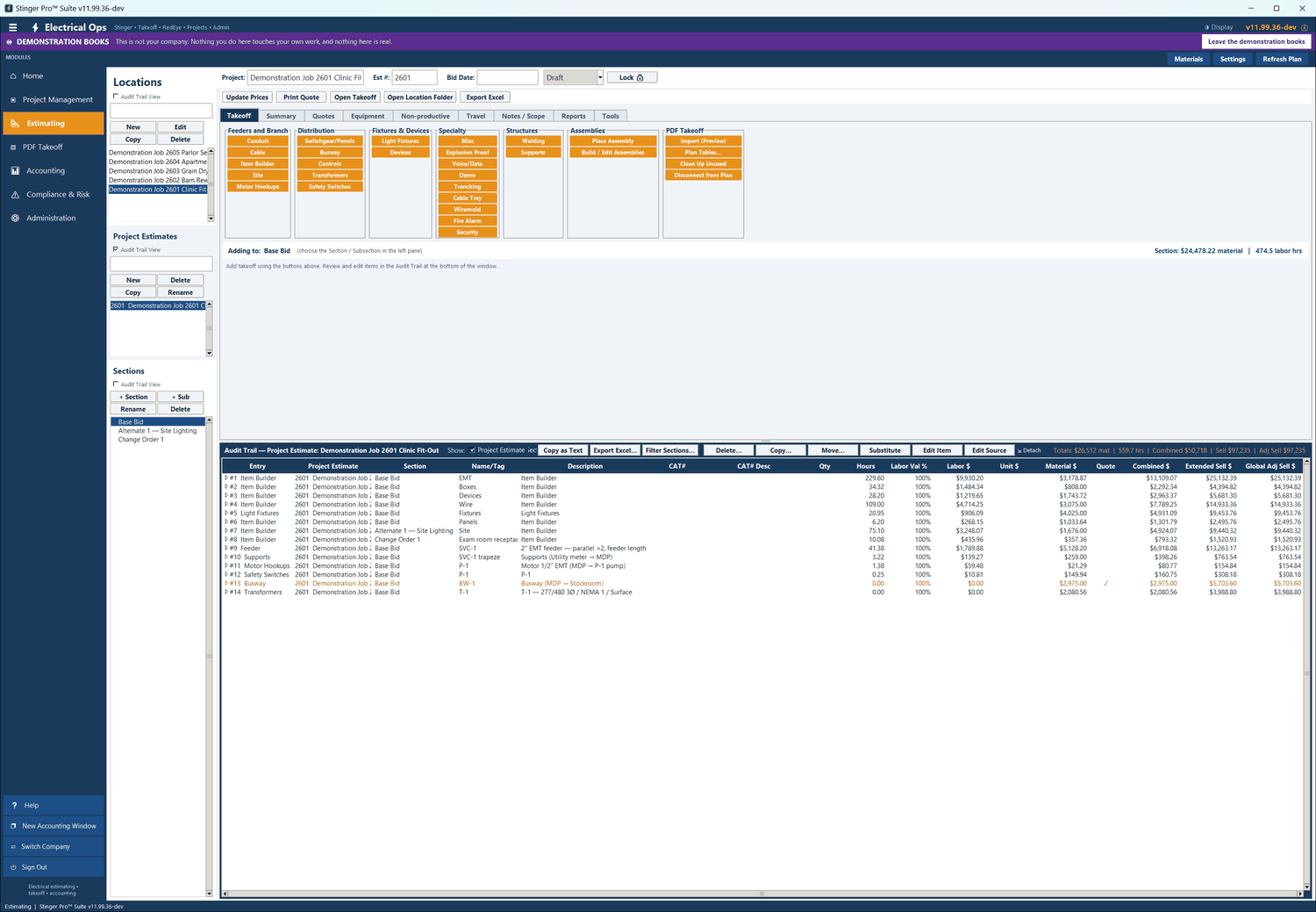
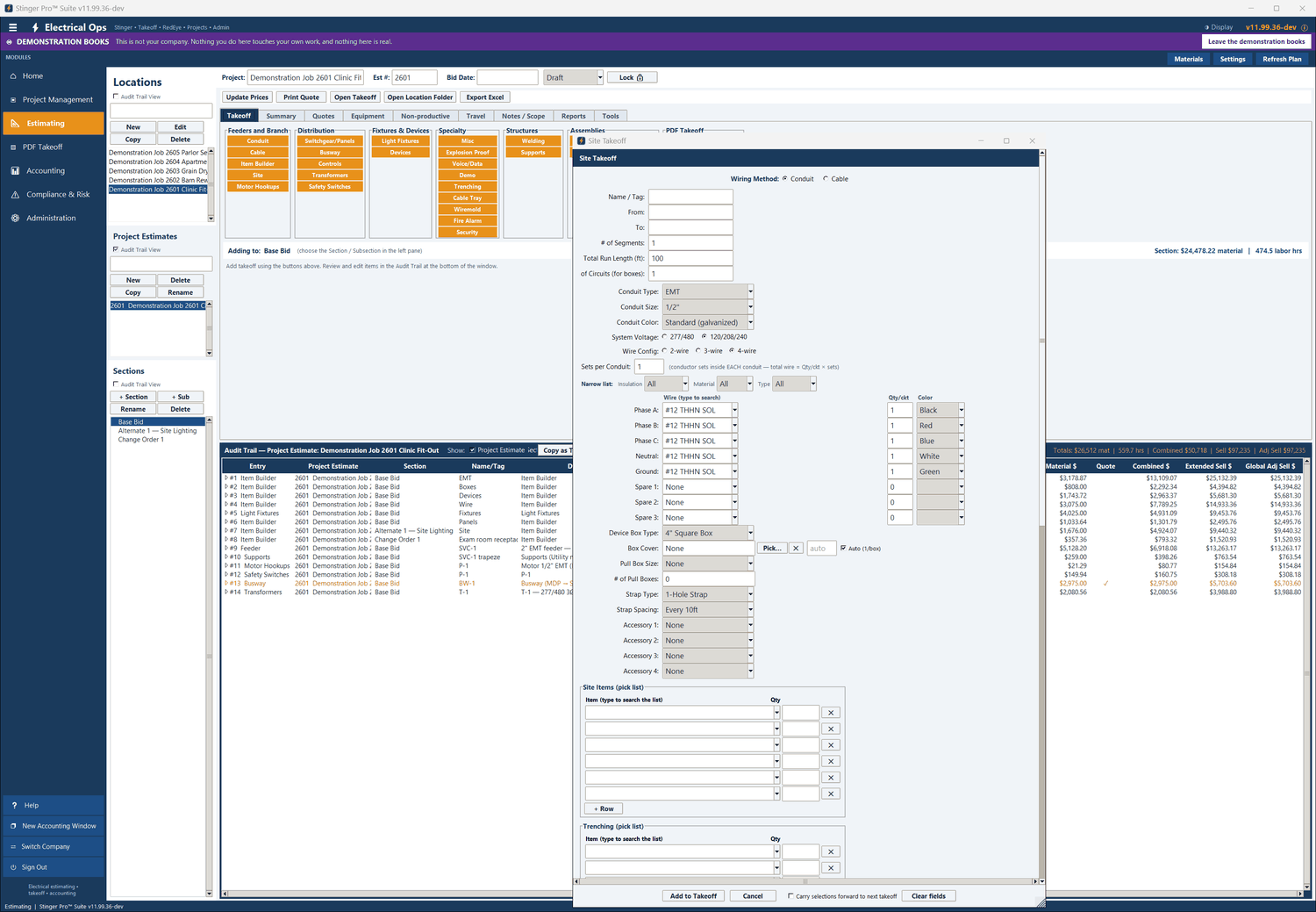
Feeders and branch: Conduit, Cable, Item Builder, Site, Motor Hookups. Distribution: Switchgear/Panels, Busway, Controls, Transformers, Safety Switches. Fixtures and devices, specialty systems, welding and supports, and assemblies. Each has the same On-Screen PDF Takeoff panel.
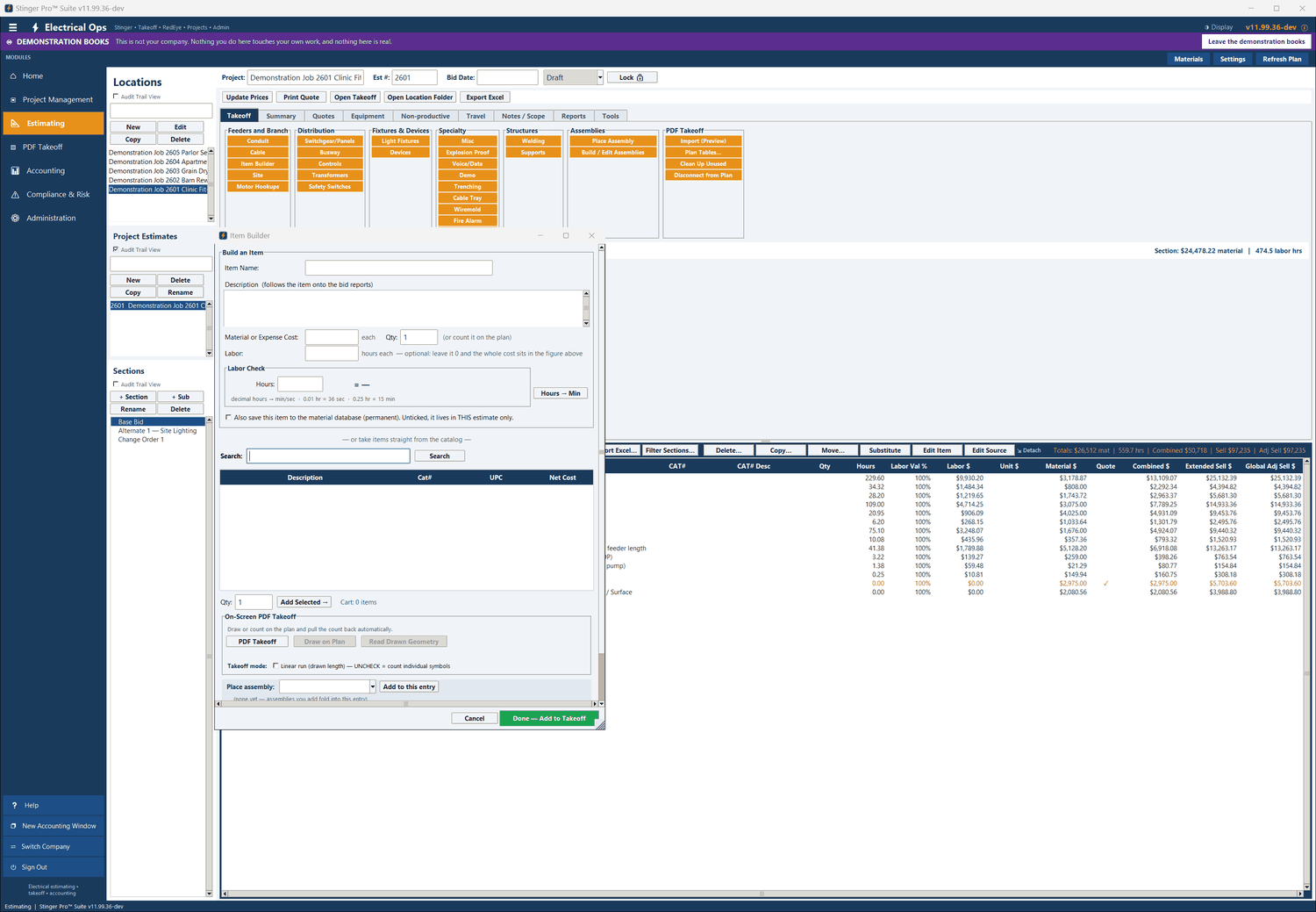
A count item has its mark, and a mark can be drawn at real size. Areas are measured as rectangles, polygons and circles, in square feet and square meters with the perimeter; a cylinder gives its volume in cubic feet, cubic yards and cubic meters.
Lock Counts approves a page’s counts: marks cannot be added, moved or deleted until it is unlocked. A page delete asks for YES typed in full, the takeoff is copied before any delete, and the Delete Log records who removed what.
Copy Takeoff to Another Sheet… lifts the runs, counts, symbols, measurements and scale onto a re-issued sheet. Compare Sheet with Another… boxes in red what changed between two sheets, with buttons to rotate or zoom the comparison sheet until the two line up.
The counts, runs and measurements for the whole drawing, as CSV, Excel or PDF; and the marked-up sheet as a 300-dpi PDF to print.